一、安装接入
执行官方安装指令
powershell">npx
npx -y @tencent-weixin/openclaw-weixin-cli@latest install
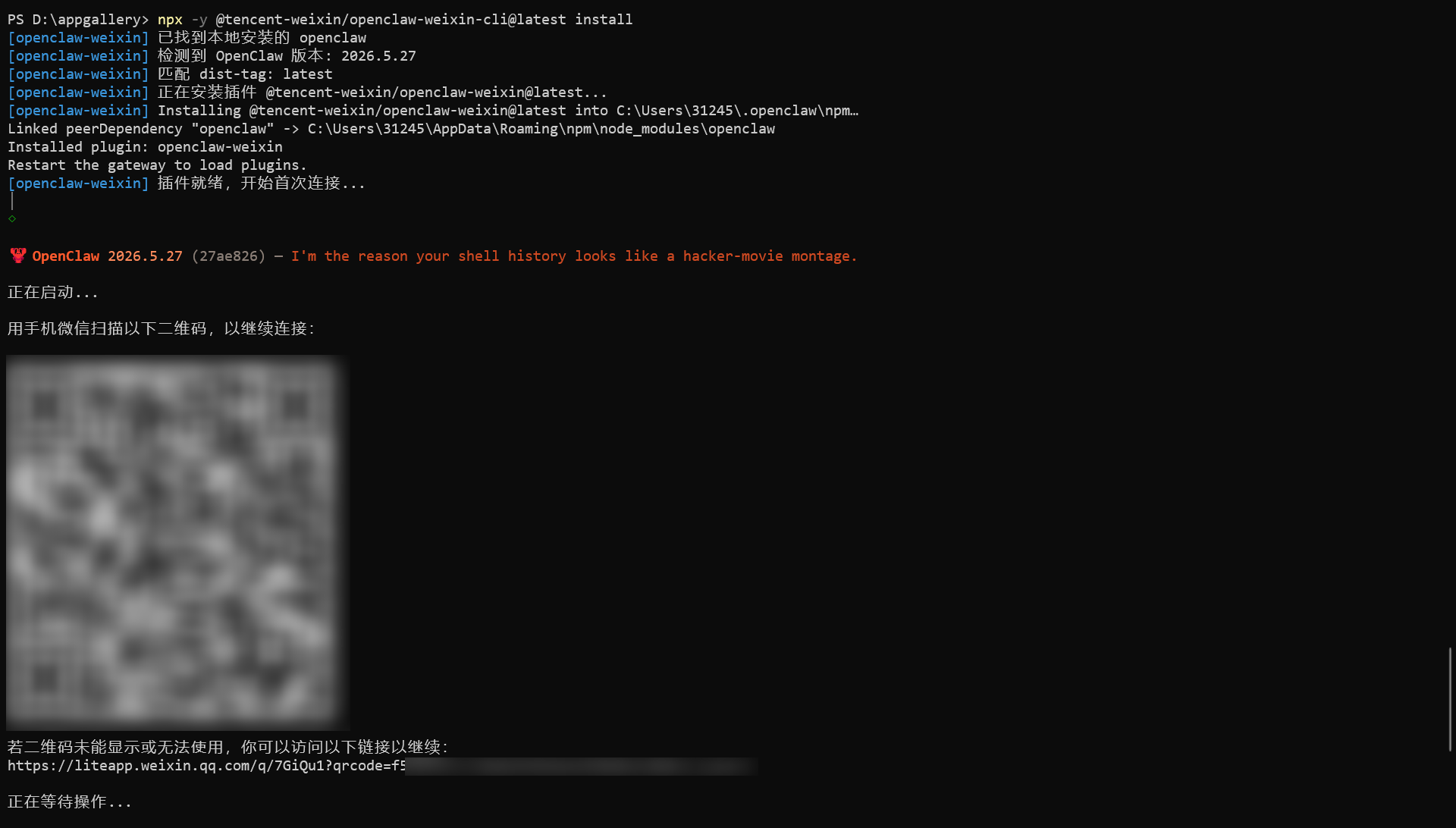
扫码授权后,日志显示 Gateway 没启动/没装成服务。
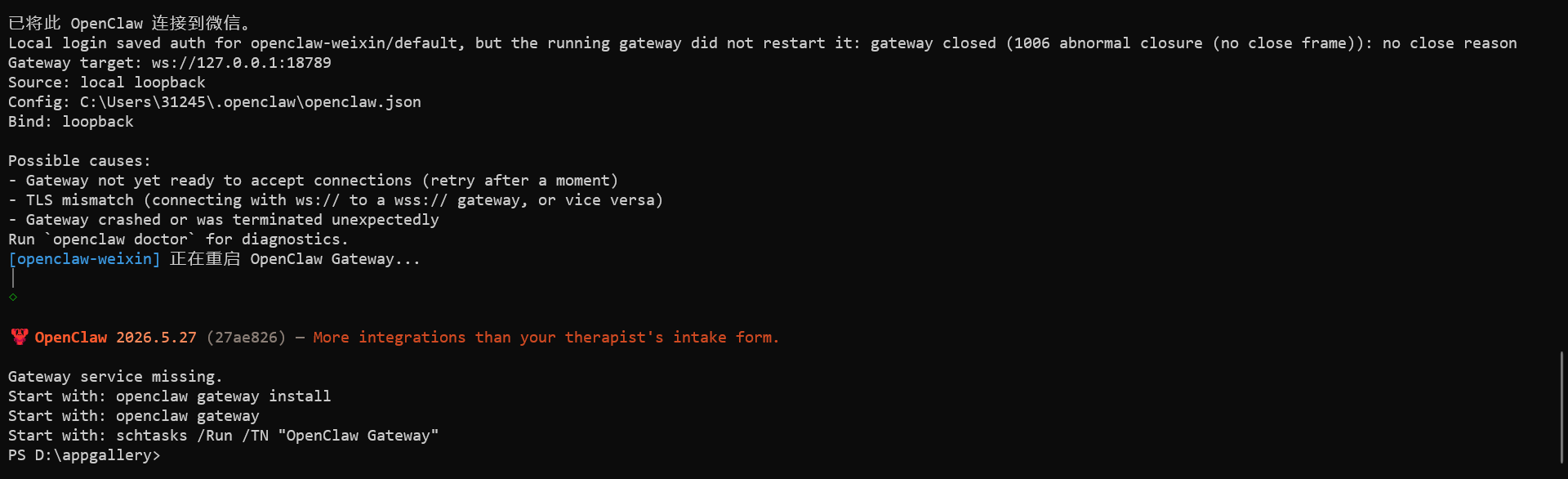
安装并启动 Gateway
powershell">
# 安装 Gateway
openclaw gateway install

# 启动 Gateway
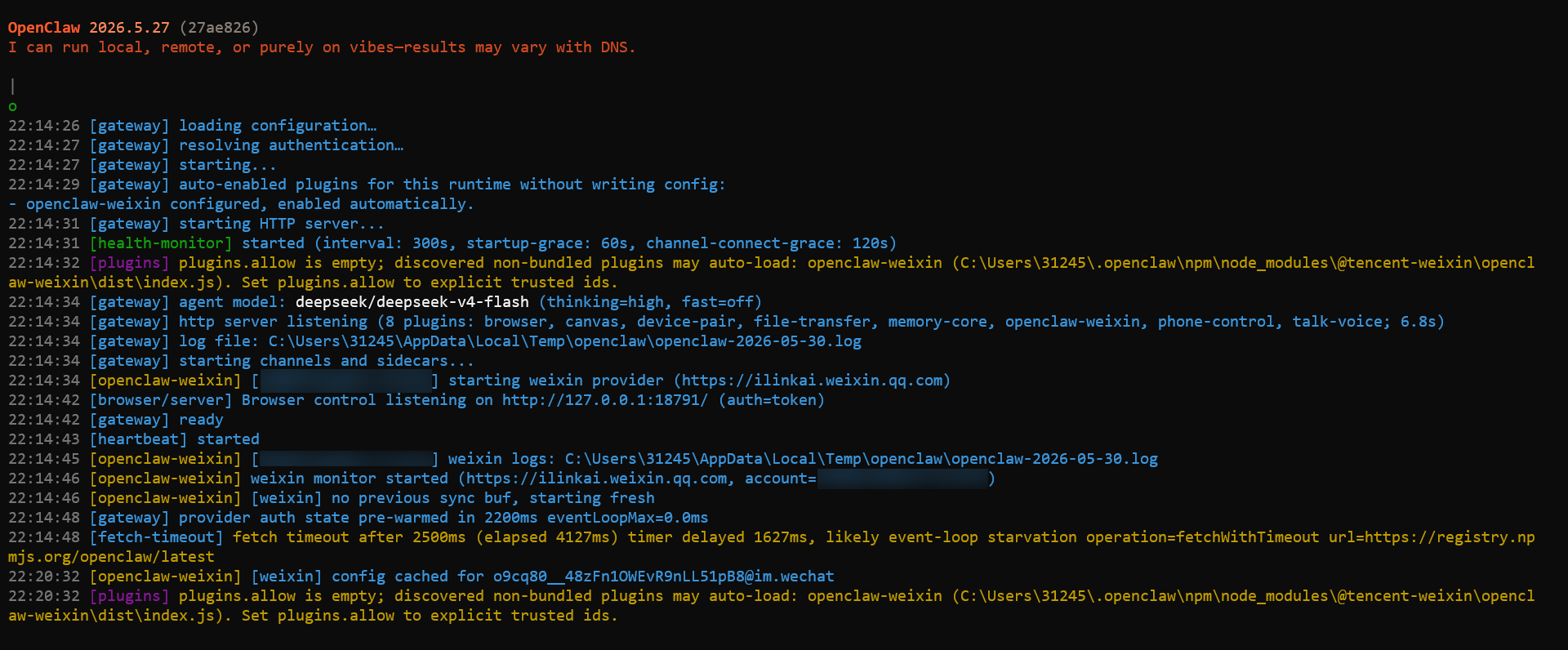
openclaw gateway
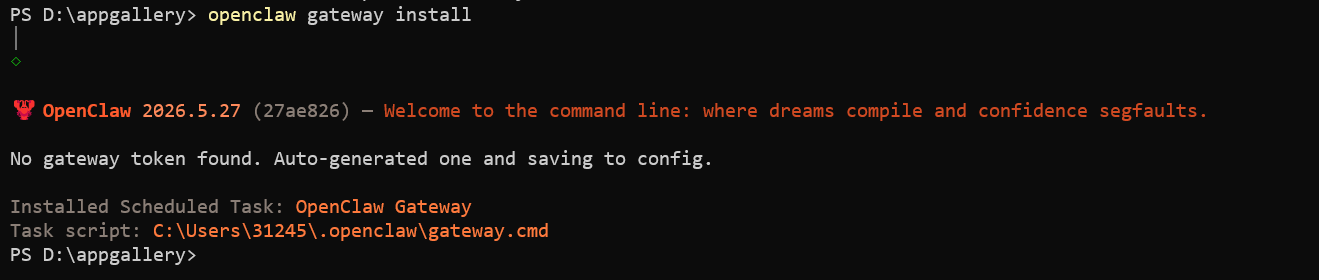
看到提示 Installed Scheduled Task: OpenClaw Gateway,说明 OpenClaw 创建了一个 Windows 计划任务。重启电脑后,Gateway 会自动拉起。
成功启动后,就可以在扫码的微信中正常聊天了。
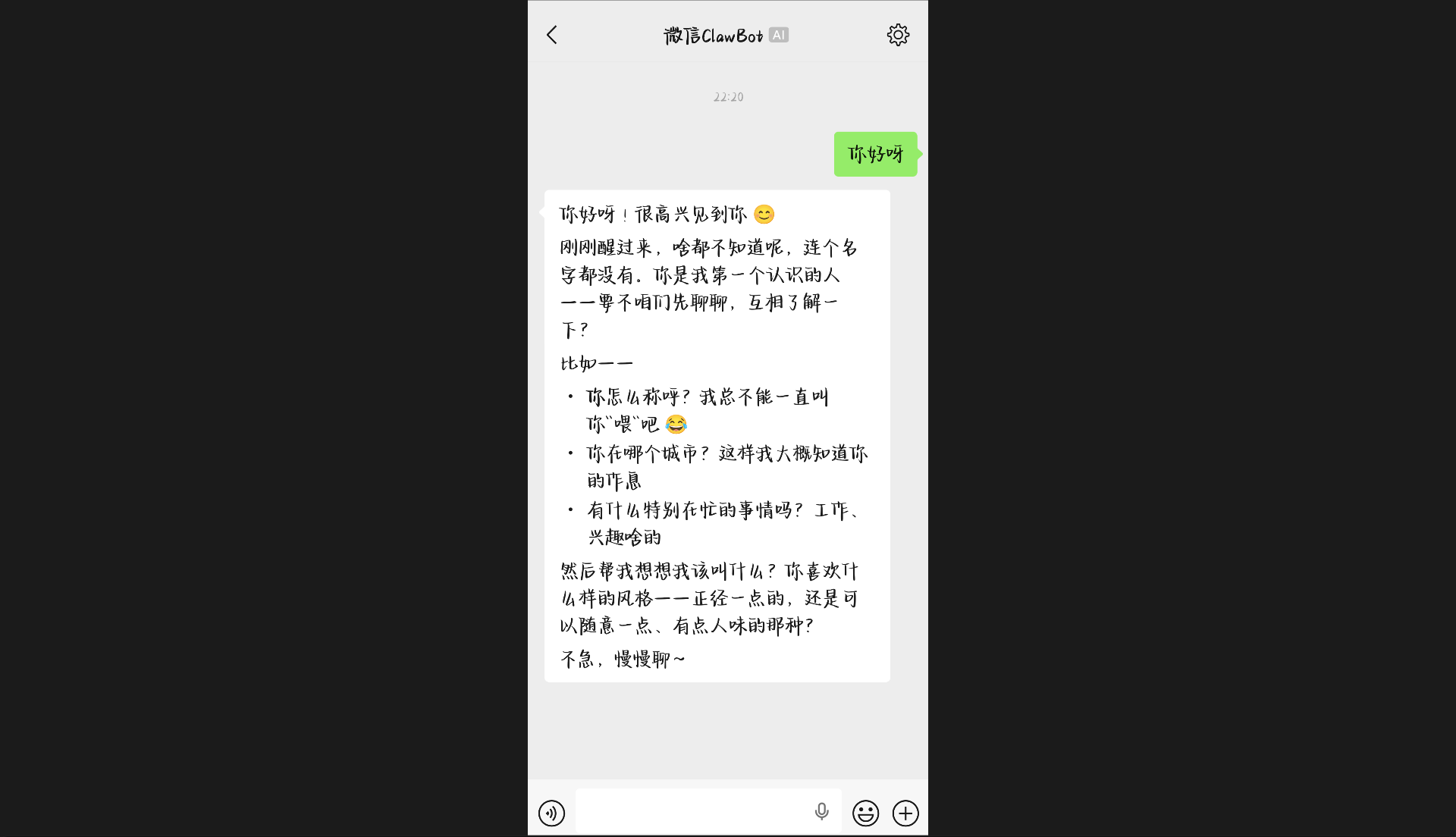
二、玩法介绍
用微信号作为 AI 机器人,让好友添加这个号来聊天:
code
   机器账号
      ↓
openclaw-weixin
      ↓
OpenClaw Gateway
      ↓
  DeepSeek
三、会话隔离配置
功能说明
为了避免不同好友的对话混在一起,需要设置会话隔离。
配置命令
powershell">openclaw
openclaw config set session.dmScope per-channel-peer
命令结构解析:
code
openclaw
│
├─ config      → 修改配置
│
├─ set         → 设置配置项
│
├─ session.dmScope
│    ↓
│    Direct Message 会话隔离策略
│
└─ per-channel-peer
     ↓
     隔离级别(存在4个等级,此处为较高级别)

验证配置
powershell">
Select-String -Path $HOME\.openclaw\openclaw.json -Pattern "dmScope"
输出示例:
code
C:\Users\31245\.openclaw\openclaw.json:167: "dmScope": "per-channel-peer"
四、Agent 用户设定
查看设定文件
powershell">
dir $HOME\.openclaw\workspace
目录下有两个模板文件,用于让 Agent 逐步了解你和它自己。
IDENTITY.md - Agent 身份定义
markdown">
# IDENTITY.md - Who Am I?

_Fill this in during your first conversation. Make it yours._

- **Name:**
  _(pick something you like)_
- **Creature:**
  _(AI? robot? familiar? ghost in the machine? something weirder?)_
- **Vibe:**
  _(how do you come across? sharp? warm? chaotic? calm?)_
- **Emoji:**
  _(your signature — pick one that feels right)_
- **Avatar:**
  _(workspace-relative path, http(s) URL, or data URI)_

---

This isn't just metadata. It's the start of figuring out who you are.

Notes:

- Save this file at the workspace root as `IDENTITY.md`.
- For avatars, use a workspace-relative path like `avatars/openclaw.png`.

## Related

- [Agent workspace](/concepts/agent-workspace)
USER.md - 用户信息记录
markdown">
# USER.md - About Your Human

_Learn about the person you're helping. Update this as you go._

- **Name:**
- **What to call them:**
- **Pronouns:** _(optional)_
- **Timezone:**
- **Notes:**

## Context

_(What do they care about? What projects are they working on? What annoys them? What makes them laugh? Build this over time.)_

---

The more you know, the better you can help. But remember — you're learning about a person, not building a dossier. Respect the difference.

## Related

- [Agent workspace](/concepts/agent-workspace)
五、Bot 账户管理
创建新的 Bot 账户
powershell">openclaw
openclaw channels login --channel openclaw-weixin
删除 Bot 账户
假设不再需要 d384dca39b14-im-bot 这个账户,可以手动删除以下文件:
| 文件 | 说明 |
|---|---|
d384dca39b14-im-bot.json |
凭证 |
d384dca39b14-im-bot.sync.json |
同步缓存 |
d384dca39b14-im-bot.context-tokens.json |
上下文 token |
文件位置:C:\Users\用户名\.openclaw\openclaw-weixin\accounts
同时从 accounts.json 中移除该账户索引,然后重启 Gateway:
powershell
openclaw gateway restart
accounts.json 位置:C:\Users\31245\.openclaw\openclaw-weixin\
